Why Web Design Is Important for Your Business
Why Web Design Is Important for Your Business
Web design is important because it shapes how easily customers understand your business, assess its credibility, and take the next step. Layout, navigation, readable content, and working contact tools all influence that experience. When visitors struggle to find answers or complete a form, your website can interrupt an otherwise promising enquiry.
For an Oakville business, useful design starts with customer needs. A retailer may need clear product information and pickup instructions, while a service company needs accurate coverage details and a straightforward quote process. This guide explains how design supports those tasks and how to decide whether your website needs focused improvements or a broader redesign.
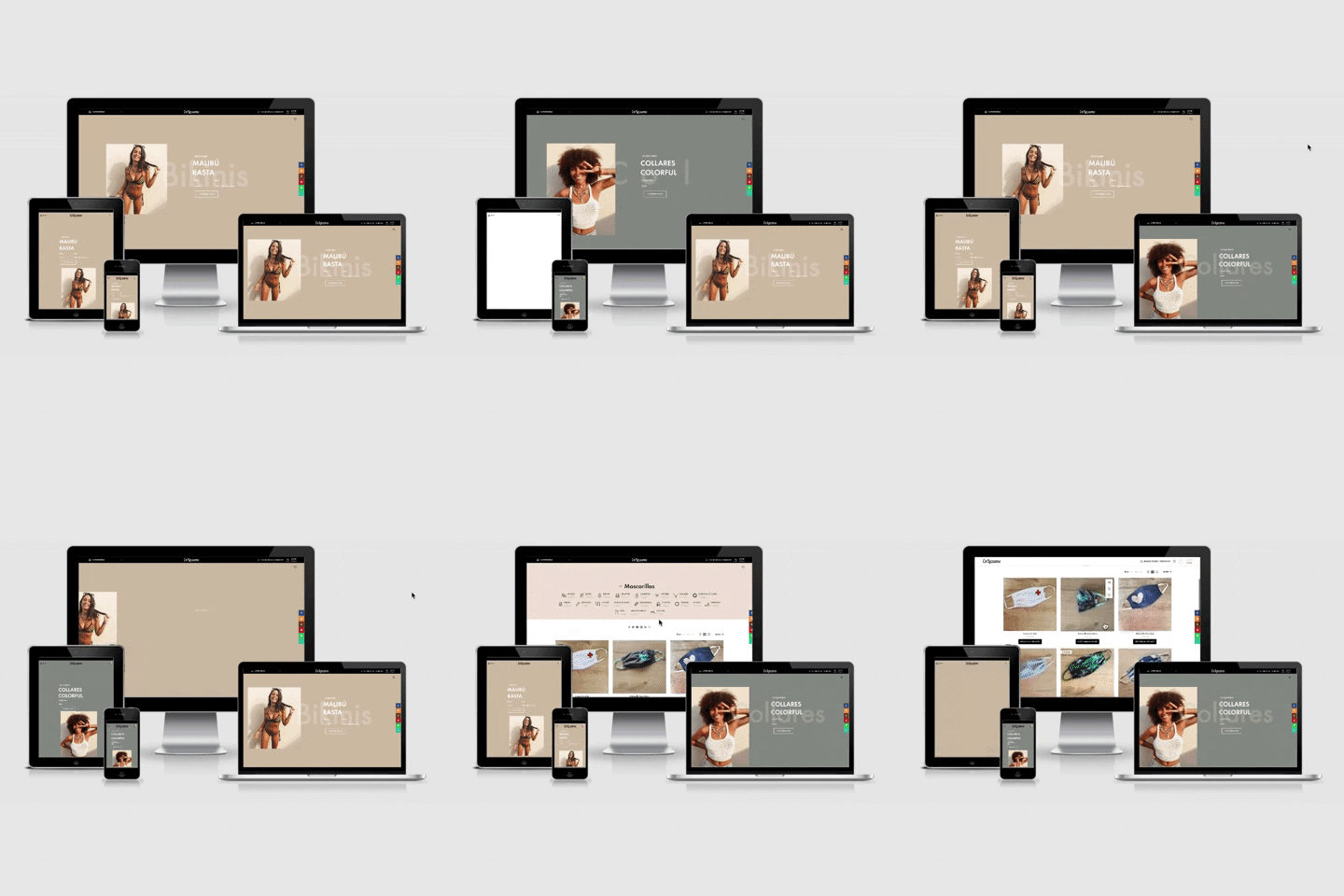
Web Design Helps Customers Understand and Trust Your Business
Your website should help visitors establish whether your business offers what they need. Accurate contact information and specific service descriptions give people useful details to check before enquiring. These elements contribute to website credibility, especially when someone is discovering your company for the first time.
Make Your Services and Evidence Easy to Assess
Place evidence beside the information it supports. A renovation service page, for example, can pair a description of the work with approved project photographs and a relevant customer review. Explain the project’s scope so visitors can assess whether it resembles their needs.
Publish qualifications, memberships, and warranty details only when they are current and verified.
For an Oakville business, useful local information depends on how customers access the service:
- Storefront: Show the address, opening hours, and practical visiting details.
- Service business: Explain actual coverage and how customers request an estimate.
- Appointment-based business: Clarify booking steps and whether staff must confirm availability.
Clear UX Helps Visitors Complete Useful Tasks
User experience design focuses on how people use your website to accomplish something. A visitor might need to compare services, check availability, or request an estimate. Clear navigation and well-organized content help them complete that task.
Confusing labels, missing details, and broken links create obstacles along the way. Review the website from the customer’s starting point through to the action they need to take.
Guide Visitors From Service Information to the Next Step
Consider an illustrative Oakville landscaping business whose customers want to request a patio estimate. The visitor should be able to find the relevant service, understand what the company handles, review completed work, and locate the enquiry form.
Each page should provide enough information to support the next decision. Use descriptive links such as “Explore Patio Installation” rather than vague labels such as “Discover More.”
Ask someone unfamiliar with your website to complete a realistic task. Observe where they hesitate, backtrack, or ask questions. A long visit may reflect confusion, while a short visit may mean they found the phone number immediately. Use successful task completion to judge whether the journey works.
Mobile Design and Accessibility Help More People Use Your Site
A mobile-friendly website needs to do more than fit a smaller screen. Visitors should be able to read service details, open menus, select buttons, and complete forms comfortably.
Responsive web design adapts the layout, but each customer journey still needs testing. A phone’s on-screen keyboard, for example, can obscure instructions or make a poorly arranged form difficult to complete.
Test Real Actions Across Devices and Input Methods
Ask testers to find a service, check relevant details, and contact your business across several screen sizes. Include keyboard navigation alongside touch and mouse input.
Check that the selected link or control has a visible focus indicator and that menus remain usable without a mouse. Include third-party booking tools because they form part of the customer’s journey.
Review these practical requirements:
- Readable content: Text remains usable when enlarged and has sufficient contrast.
- Clear controls: Buttons and links are easy to identify and select.
- Useful alternatives: Meaningful images have appropriate text alternatives.
- Working forms: Field labels, instructions, errors, and confirmations are understandable.
According to W3C’s business case for digital accessibility, accessibility can extend a business’s reach and improve the experience for users more broadly. Build it into design, content, development, and ongoing review.
Website Speed Can Affect Whether Visitors Continue
Visitors need your pages to load and respond reliably while they explore your services. A delayed image, an unresponsive menu, or a shifting button can interrupt that process.
Website performance therefore belongs in the design discussion, alongside layout and content. Test important customer journeys rather than judging the homepage alone.
Review Loading, Responsiveness, and Layout Stability
Core Web Vitals measure aspects of loading, interaction responsiveness, and visual stability. They help your developer investigate how the website behaves for visitors.
Review oversized images, background videos, scripts, and third-party widgets when identifying possible delays. Check whether page elements move unexpectedly as content loads. Compare lab results with real-user measurements where available.
According to a 2021 Vodafone case study published on web.dev, an A/B test improving Largest Contentful Paint by 31% produced 8% more sales. The tested pages were visually and functionally identical, helping isolate the performance change.
This was a large telecommunications business’s experiment, so it does not predict the result for an Oakville company. Use it as evidence for testing performance improvements against your own business outcomes.
Web Design Supports Search Visibility
Web design and SEO connect through the way your pages are organized, linked, and presented. Clear structure gives search engines paths to discover relevant information.
Your website also needs useful content that answers the searches you want to appear for. Appearance alone does not establish relevance. Plan content, navigation, and technical requirements together.
Help People and Search Engines Reach Important Content
Give each main service a clear place within your website. Use descriptive page titles and headings, and make important information accessible through navigation rather than relying entirely on an internal search box.
Ask your developer to check that intended public pages can be crawled and indexed.
According to Google’s page-experience guidance, performance, secure delivery, mobile presentation, and other aspects of the visitor experience should be considered together. Strong Core Web Vitals scores do not guarantee top rankings. Treat these improvements as part of a broader approach that includes relevant content and ongoing review.
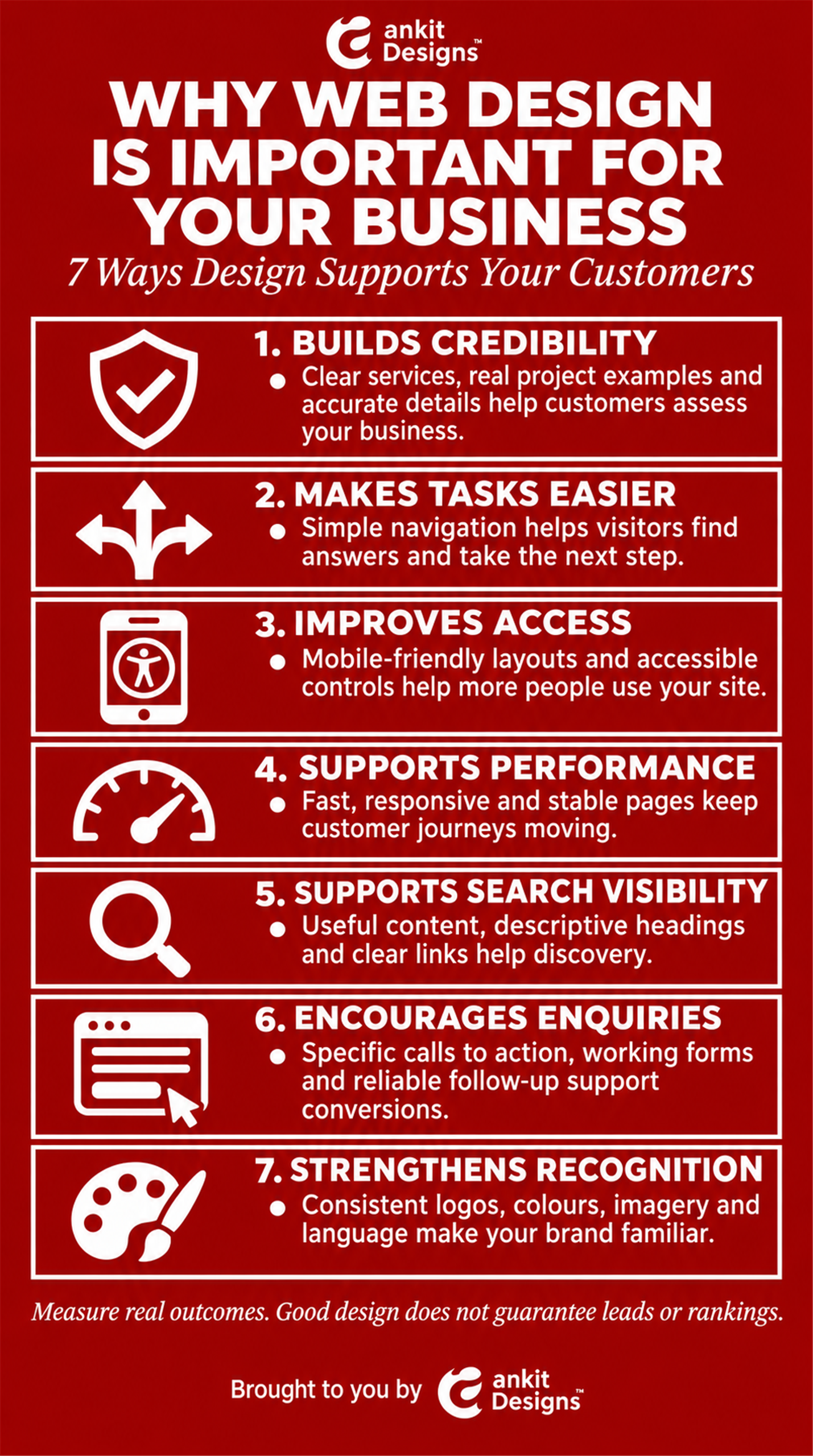
Clear Calls to Action Support Enquiries and Sales
A call to action tells visitors what they can do next. Its wording, placement, and surrounding information should match their needs.
Someone comparing services may need project examples before requesting an estimate. A returning customer may simply want a visible phone number or booking link. Place the relevant action where visitors have enough information to decide.
Use specific labels such as “Request a Quote,” “Check Availability,” or “Shop This Collection.” Explain important conditions before the action, including consultation fees or appointment requirements. Keep forms focused on information your team needs to respond.
For more guidance on aligning page content with a specific action, read Ankit Designs’ guide to creating high-converting landing pages.
Connect the Page to a Reliable Follow-Up Process
A successful submission needs to reach someone who can act on it. Assign a staff owner, test notifications, and provide an acknowledgement explaining the next step. Keep response expectations realistic and consistent with your operating hours.
Measure completed submissions separately from button clicks, then review which enquiries become suitable opportunities. Traffic quality, your offer, and staff follow-up also influence whether those opportunities become sales.
Consistent Branding Makes Your Business Easier to Recognize
Brand consistency helps customers connect your website with the business they have seen elsewhere. Your logo, typography, imagery, and language should feel familiar across service pages, advertisements, and printed materials.
Establish a small set of design rules so new pages follow the same approach. This gives your team a practical reference when updating the website.
Align Typography, Imagery, Language, and Layout
Consider an Oakville retailer promoting a collection through social media. The linked page should feature the advertised products, use familiar branding, and explain the offer clearly. Consistent button styles also help shoppers recognize available actions.
Ankit Designs’ branding services can support decisions about logos, colours, typography, and visual guidelines. Define those requirements alongside website design, so both contribute to a coherent customer experience.
Does Your Oakville Website Need Improvements or a Redesign?
Start with the problems customers encounter and the tasks your team struggles to manage. A broken form may need a focused repair, while confusing page structure and difficult editing may require broader changes.
Record the evidence behind each concern. Ask staff which questions customers repeatedly call to clarify, then use those findings to define the work needed.
Measure the Problems Before Choosing the Scope
|
Observed problem |
Evidence to collect |
Possible response |
|
Visitors cannot find a service |
Observe a service-finding task. |
Improve navigation, labels, or page structure. |
|
Mobile enquiries fail |
Test forms and check staff receipt. |
Repair form behaviour and delivery. |
|
Pages respond slowly |
Review performance measurements and affected tasks. |
Investigate images, scripts, hosting, or implementation. |
|
Staff cannot update information |
Observe routine editing tasks. |
Improve editing controls, training, or the CMS. |
Establish a baseline before making changes. Note changes in advertising, offers, or seasonal demand, and compare equivalent periods where possible. Avoid attributing every change in results to the redesign.
Ask your provider to explain how each proposed improvement addresses the evidence. Bring your findings to a discussion about Web Design Oakville and request a scope covering priorities, testing, ownership, and support.
Frequently Asked Questions
Can Good Web Design Guarantee More Leads?
No. Design can improve the customer journey, but it cannot guarantee a particular volume of leads. Set measurable goals and assess results against your baseline.
Does Every Outdated Website Need a Full Rebuild?
No. Age alone does not determine whether a rebuild is needed. Ask for an assessment explaining what can be retained and whether the current technology can support your requirements.
What Should You Ask a Professional Web Designer?
Ask how their recommendations address your customers’ needs and your business goals. Confirm who handles content, development, approvals, and testing.
Request relevant project examples and clarify the provider’s role in each. Before signing, agree on account ownership, staff training, ongoing costs, and support.
Discuss Your Oakville Website With Ankit Designs
Turn Your Website Problems Into a Clear Improvement Plan
Bring your current website, customer priorities, and known difficulties to Ankit Designs. Discuss how its website design and development services can address your requirements.
Agree on the improvements, how they will be tested, and the support your team needs after launch. Use that scope to guide the project and evaluate the finished work.
Contact Ankit Designs to discuss your Oakville website
Ankit Designs
Address: 2355 Derry Rd E Unit 38, Mississauga, ON L5S 1V6
Phone: +18662654810
Get in touch with our team today to schedule a consultation and discover how we can create a website tailored to your business goals.
Share

About the author:
I'm nobody's taxi service but I take pride in driving the bus! Upbeat, energetic serial entrepreneur on the quest to serve and help people. I enjoy long walks on short beaches and adventurous, adrenaline-pumping activities. I'm a normal bloke doing abnormal bloke things!
